 Gennai vs Dext
Best Dext Alternative for Invoice Automation
Dext is a bookkeeping platform built around accountants: a mobile app, supplier fetch, expense claims, payments in the UK and more than 30 accounting integrations. Gennai is built around your inbox: it scans Gmail, Outlook and IMAP automatically, reads invoices in the email body, Excel files and download links, includes line items in every plan and costs $12 a month with unlimited users. Verified against dext.com and help.dext.com on 27 August 2026.
Inbox scan
Gennai connects to your mailbox; Dext works by forwarding
Included
Line items on every Gennai plan (Dext: paid add-on)
$12/mo
Gennai Starter, unlimited users (Dext Business: $31.50/mo, 5 users)
Feature Breakdown
Feature-by-Feature Comparison
The same 50 capabilities we check for every tool, verified against Dext's own website and documentation.
At a glance
A capability counts 1 when the vendor documents it, 0.5 when it is partial or sold as an add-on, and 0 when it is absent, not documented or not released yet.
In Gennai, not in Dext 14
- Native inbox scanning (Gmail and Outlook via OAuth)
- IMAP for any email provider (iCloud, Yahoo, Zoho and more)
- Retroactive scan of any past date range
- Follows the "download your invoice" link inside the email
- Invoices sent as Excel files (.xlsx)
- Telegram
- Slack
- Bank payment files (ABA, Australia)
- Holded
- Google Sheets kept in sync
- Permanent free plan
- Unlimited users on every plan
- Accounting export and accountant access on the free plan
- CASA Tier 2 security assessment (App Defense Alliance)
In Dext, not in Gennai yet 4
- Native mobile app
- Dropbox
- Other accounting platforms
- Activity history per invoice
Data verified on 27 August 2026. Sources checked: dext.com/us/business/pricing, Dext help: ways to add documents, Dext help: supported file types, Dext help: line item extraction, Dext help: Bank Match.
Honest Assessment
Where Dext Has the Edge
We believe in honest comparisons. Here is where Dext may be a better fit depending on your needs.
Mobile app for paper receipts
Dext has a native iOS and Android app with single, multiple and combine capture modes. Gennai works in the browser on any device and captures receipts through WhatsApp, Telegram, Slack and upload, but it has no native app.
Supplier fetch and e-commerce feeds
Dext's Invoice Fetch logs into 1,249 supplier portals with your credentials and checks them weekly, and Commerce Lite pulls sales data from Shopify, Stripe, PayPal, eBay, Etsy, Square and others. Gennai captures from email, chat and upload.
Expense management and payments
Dext includes expense claims with approvals, mileage tracking, supplier statement extraction and, in the UK, paying suppliers from Dext. Gennai focuses on supplier invoices: it tracks what is due and produces ABA payment files, but does not pay suppliers.
More than 30 accounting integrations
Sage, FreeAgent, MYOB, KashFlow, Zoho Books, QuickBooks Desktop and others, plus ISO 27001 certification. Gennai integrates with Xero, QuickBooks Online and Holded and covers the rest with CSV and XLSX export.
Gennai Advantages
Where Gennai Stands Out
These are the areas where Gennai offers a meaningfully different approach to invoice automation.
Automatic inbox scanning instead of forwarding
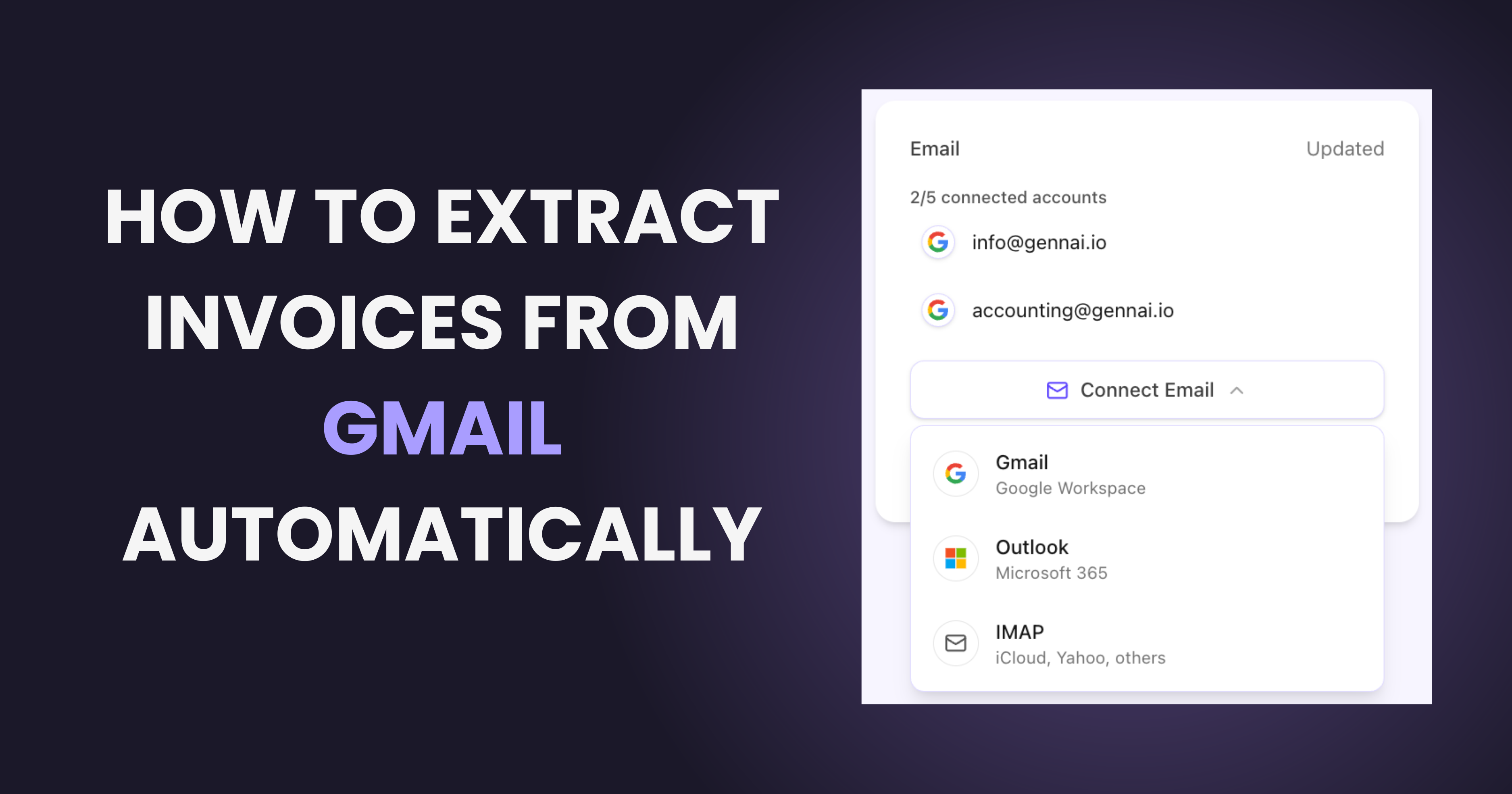
Gennai connects to Gmail, Outlook or IMAP with read-only access and finds invoices as they arrive, plus any past date range you choose. Dext's help centre lists no mailbox connection: documents reach Dext by forwarding, upload, the mobile app or supplier fetch.
Email bodies, download links, Excel and photos
Gennai reads invoices written in the email body, follows download links from Xero, Stripe, Square and QuickBooks, and reads Excel invoices and photos attached to emails. Dext documents that it cannot fetch documents from hyperlinks and does not accept spreadsheets.
Line items and plain-language rules included
Every Gennai plan includes line items with tax per line, supplier and buyer tax IDs, purchase order numbers and rules written in plain language. In Dext, line item extraction is a paid add-on from $20.50 a month or $0.50 per document, and plain-language guidance (AI Assist) is a paid add-on too.
Simpler, cheaper plans
Gennai Starter is $12 a month for 75 invoices with unlimited users. Dext Business is $31.50 a month for 250 documents and 5 users, with extra users, line items and statements sold separately. Gennai's free plan is permanent; Dext offers a 14-day trial.
Reconciliation from CSV or XLSX statements, and ABA files
Gennai reconciles CSV or XLSX statements from any bank against captured invoices and generates ABA payment files for Australia with double payment protection. Dext's Bank Match relies on bank feeds available in the UK, France and North America, and Dext Payments works in the UK (Canada in beta).
Ready to Switch?
Try Gennai free with 10 invoices per month. No credit card required, setup takes less than 2 minutes.
Start FreePricing Breakdown
Pricing Comparison
Current plans, side by side. Gennai prices in USD; competitor prices as published on their site.

Gennai
Dext
Choosing the Right Fit
Which One Is Right for You?
Different tools serve different needs. Here is a practical guide to help you decide.
Choose Dext if you...
- Need a native mobile app for paper receipts and field expenses
- Need expense claims, approvals, mileage tracking or supplier statements
- Use Sage, FreeAgent, MYOB, KashFlow, Zoho Books or QuickBooks Desktop
- Want supplier portal fetch or e-commerce feeds from Shopify, Stripe, PayPal or eBay
- Are a UK business that wants to pay suppliers from the same tool
Choose Gennai if you...
- Want invoices captured from your inbox automatically, with no forwarding rules
- Receive invoices in the email body, through download links, as Excel files or as photos
- Want line items, tax IDs and plain-language rules included, not sold as add-ons
- Need an affordable plan with unlimited users, or a free plan that never expires
- Use Holded, OneDrive or Google Sheets
- Reconcile CSV or XLSX statements from any bank or pay suppliers in Australia with ABA files
Easy Migration
How to Switch from Dext
Migration is straightforward. Here is how to get started.
- 1
Sign up for Gennai (free)
Create your account and connect your Gmail, Outlook or IMAP inbox with read-only access. The free plan gives you 10 invoices a month with no expiry date and no card.
- 2
Run a retroactive scan
Pick any past date range and Gennai rebuilds your invoice history from the original emails. You can compare it side by side with what you forwarded to Dext.
- 3
Connect your accounting tool and storage
Link Xero, QuickBooks or Holded and turn on Google Drive, OneDrive or Google Sheets sync. Add plain-language rules for vendor names, tags or exclusions.
- 4
Run both for one cycle, then cancel Dext
Keep Dext active for a billing cycle and compare capture, coding and cost. Switch fully once you are confident.
Common Questions
Frequently Asked Questions
Is Gennai cheaper than Dext?
Yes. Gennai Starter costs $12 a month for 75 invoices with unlimited users; Dext Business costs $31.50 a month ($25.21 on yearly billing) for 250 documents and 5 users, and line items, bank statements and AI Assist are paid add-ons. Gennai also has a permanent free plan with 10 invoices a month; Dext offers a 14-day trial.
Does Dext scan my inbox automatically?
No. Dext's documented ways to add documents are upload, email forwarding to your Dext address, the mobile app, supplier fetch, Dropbox and PayPal. Gennai connects to Gmail, Outlook or IMAP with read-only access, monitors the inbox continuously and can scan any past date range.
Does Dext extract line items?
Yes, as a metered add-on: each Business plan includes 5 documents with line items a month, and beyond that line item extraction costs from $20.50 a month or $0.50 per document. Gennai includes line items with tax per line on every plan, including the free one.
Does Gennai have a mobile app?
No. Gennai works in the browser on any device and captures receipts through WhatsApp, Telegram, Slack and upload. If you need a native app built for paper receipts, Dext has one for iOS and Android.
Can I use Gennai with Sage or FreeAgent?
Gennai integrates natively with Xero, QuickBooks Online and Holded, and exports CSV or XLSX with custom columns for anything else. Dext connects to more than 30 platforms, including Sage, FreeAgent, MYOB and QuickBooks Desktop.
Can Gennai read invoices from download links and Excel files?
Yes. Gennai follows the "download your invoice" link inside emails from Xero, Stripe, Square and QuickBooks and reads invoices sent as .xlsx files. Dext's help centre states that it cannot extract documents accessed through a hyperlink and does not accept spreadsheets.
Does Gennai support expense management?
No. Gennai focuses on supplier invoices: capture, extraction, paid and unpaid tracking, bank reconciliation and export. If you need expense claims, approval workflows, mileage or supplier payments, Dext includes them.
How does bank reconciliation compare?
Gennai imports CSV or XLSX statements from any bank and matches each transaction against the invoices it captured. Dext's Bank Match uses bank feeds that are available in the UK, France and North America, with full functionality for Xero, Sage Accounting and MYOB accounts.
Is my data secure with Gennai?
Gennai connects to your mailbox with read-only OAuth (Gmail and Outlook) or an app password (IMAP) and never sees your email password. Stored credentials are encrypted with AES-256-GCM and all data is encrypted at rest. Gennai keeps the invoice documents it extracts and the processing metadata it needs (message identifiers, subject lines and sender domains) so that no email is processed twice; it never copies or stores your mailbox. The Gmail integration passed the CASA Tier 2 assessment of the App Defense Alliance, and Gennai is listed on both the Xero App Store and the QuickBooks App Store.