Stop Chasing Clients for Invoices
Clients connect their email. AI extracts every invoice. You export to Xero, QuickBooks, or CSV from one dashboard.
15+
Hours saved per month
50+
Clients from one login
99%
AI extraction accuracy
The Invoice Collection Problem
Collecting invoices from clients is the most time-consuming part of bookkeeping. Here’s what it costs your firm every month.
3-5h
Wasted Weekly on Invoice Collection
Chasing clients for documents eats your most billable hours every week.
68%
Of Clients Miss Deadlines
Late documents mean late filings — especially around VAT and quarterly deadlines.
4-6
Formats per Client Inbox
Every client sends invoices differently. None in the format you need.
How It Works
How Gennai Works for Accountants
- 1Step 1
Your Client Connects Their Email
Invite your client with a single link. They sign up for a free Gennai account, connect their Gmail or Outlook via secure OAuth, and you automatically get read-only access to their extracted invoice data. The client doesn't need to do anything after the initial setup.
Your FirmAccounting PortalInvite Client Client AcceptedGmail connectedPermission: View + ExportActive
 - 2Step 2
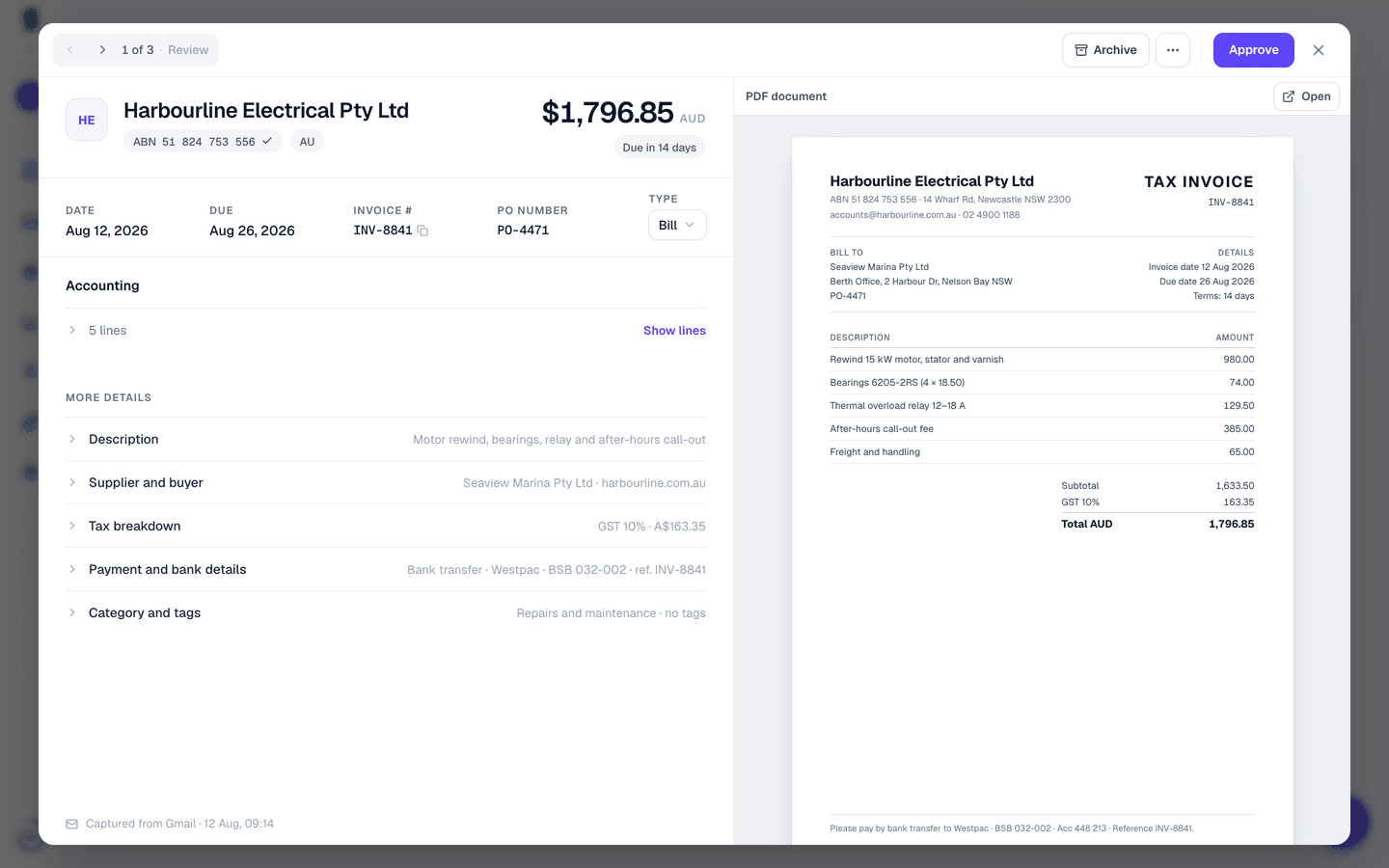
AI Extracts Every Invoice Automatically
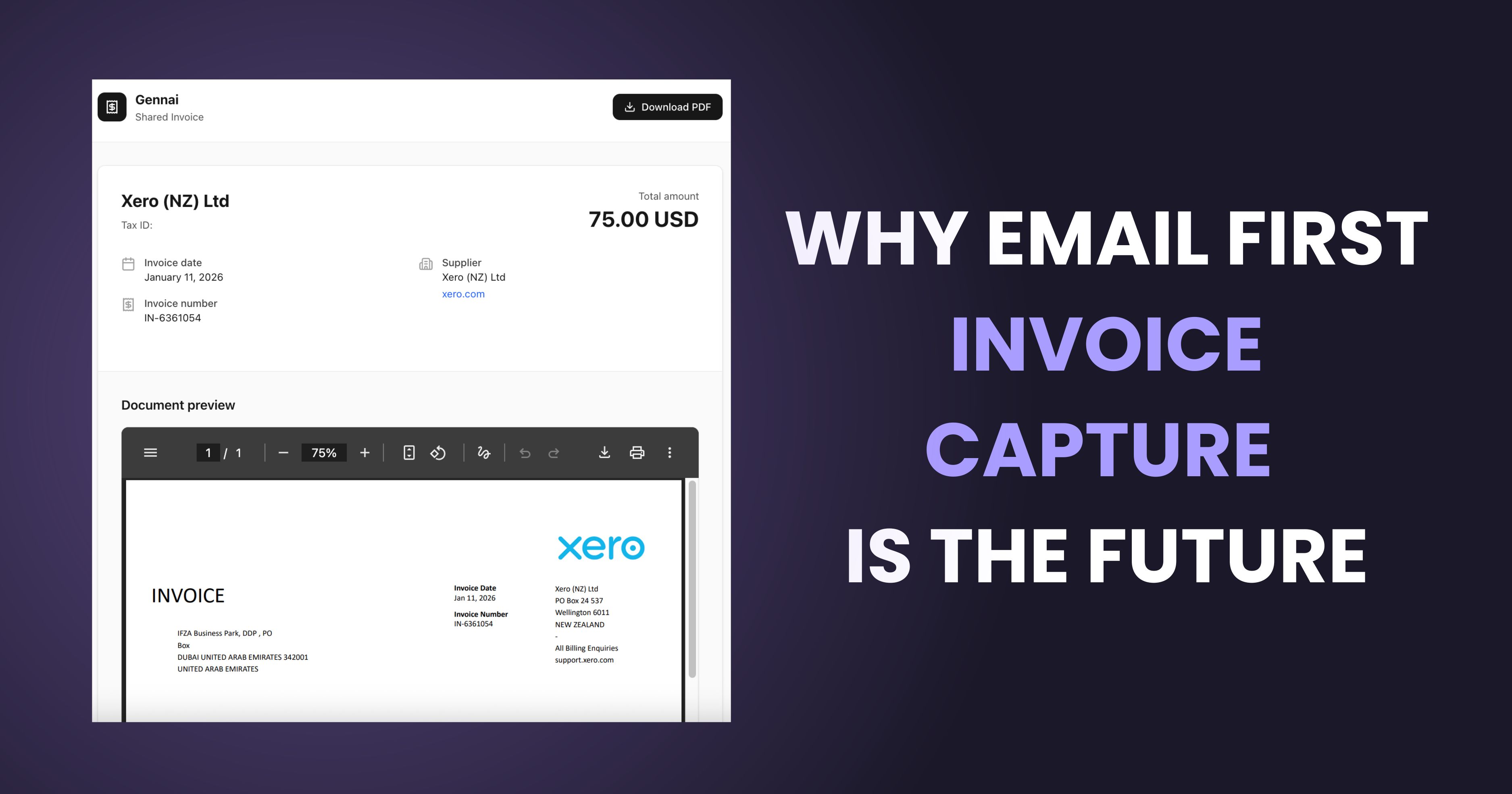
Once your client's email is connected, Gennai scans their inbox every hour for PDF invoices. Advanced AI extracts supplier name, tax ID, amount, currency, date, and invoice number from each document, regardless of language or format.
- 3Step 3
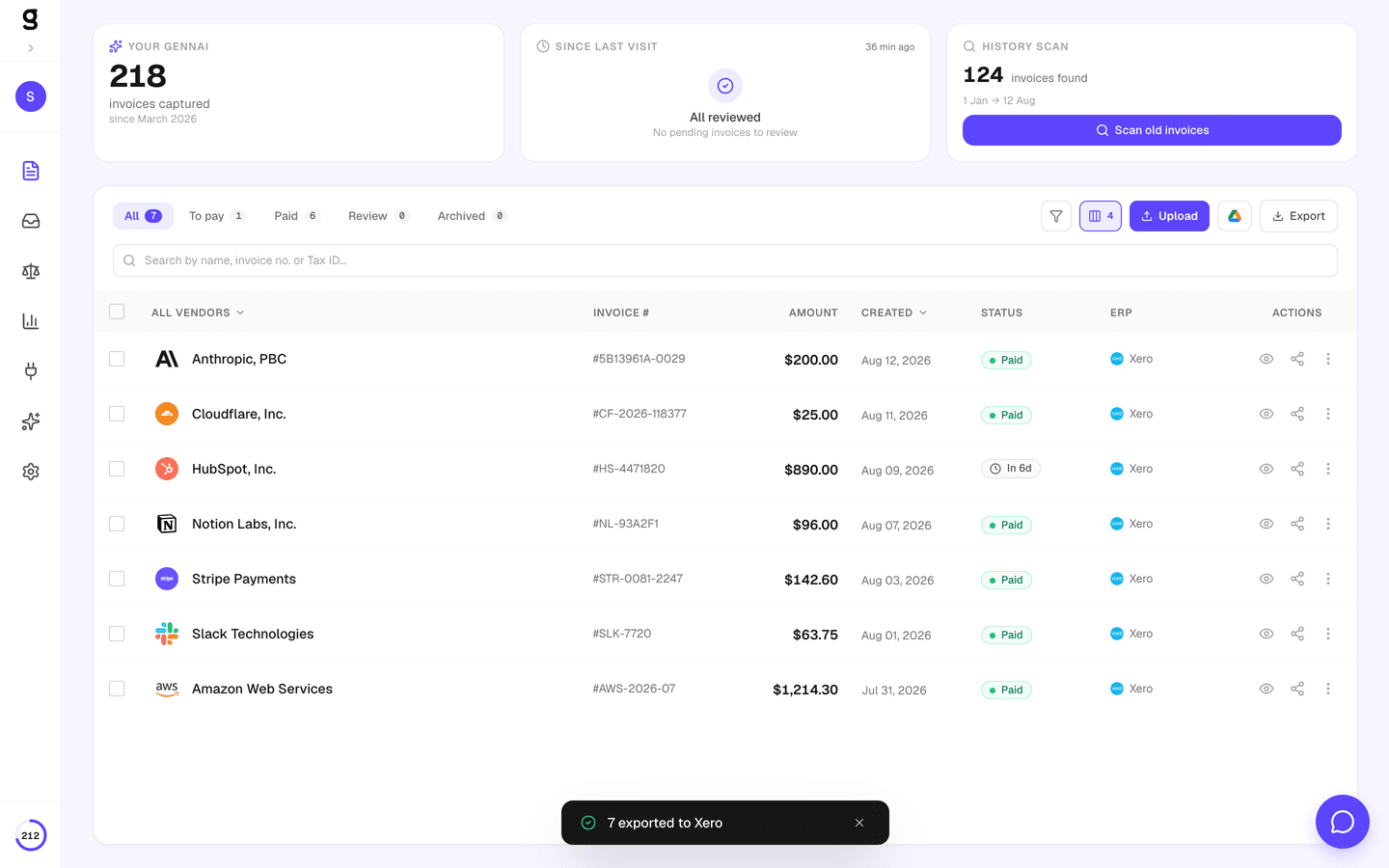
Export to Your Accounting Software
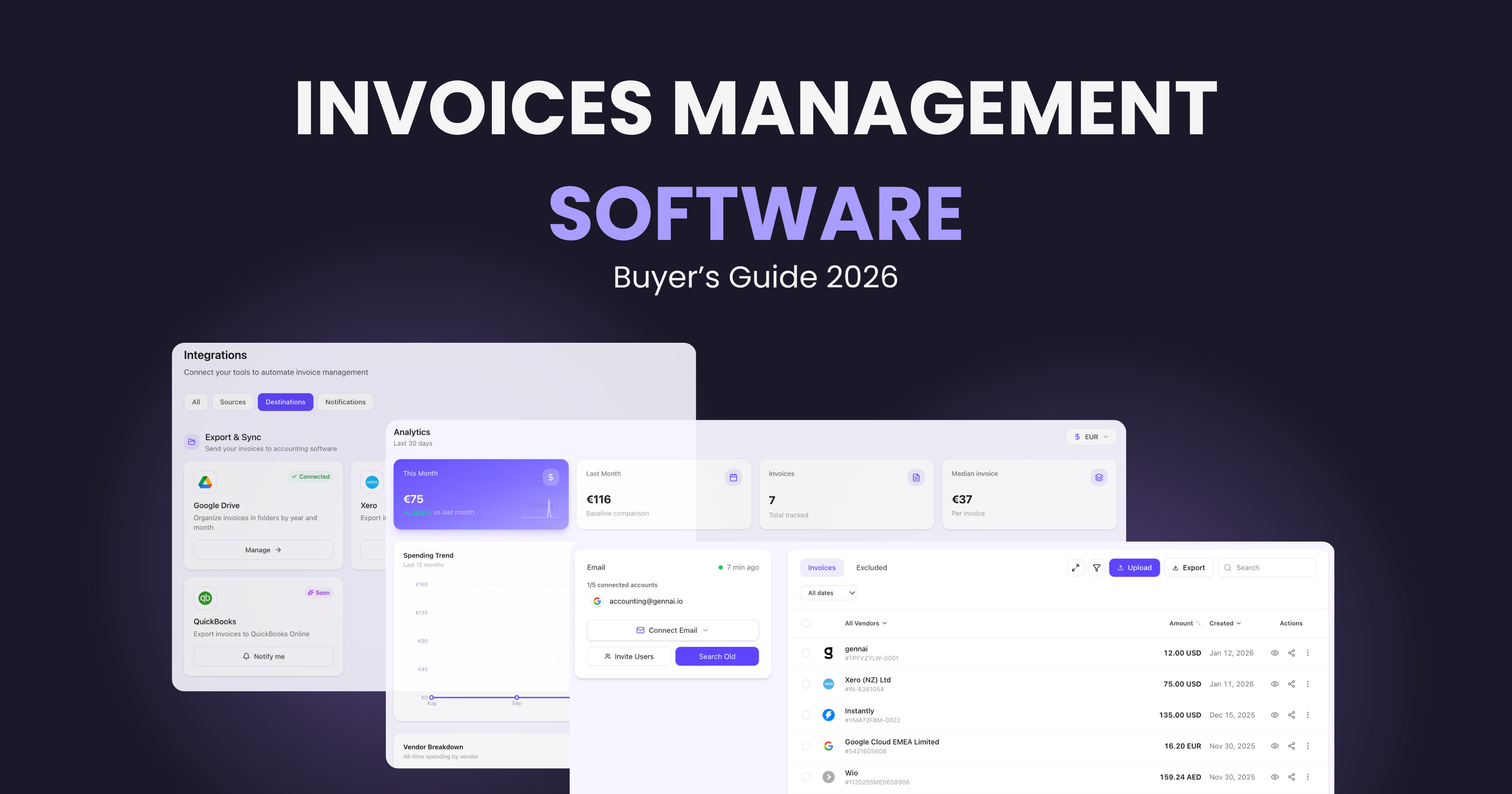
From your multi-client dashboard, select any client, view their invoices, and export directly to Xero, QuickBooks, or Holded. Or download as CSV for any other system. Bulk export handles hundreds of invoices at once, with each client's data exported separately.
Built for Accounting Workflows
Every feature designed for how accounting firms actually work with client invoices.
Accountant Firm Portal
Mark your organization as an accounting firm and unlock the dedicated client management portal. Invite clients with a link, manage permissions, and switch between client accounts instantly.
Two-Way Invitation Flow
Clients can invite you as their accountant, or you can invite clients to join your firm. Both flows create the same secure, permissioned access.
Read-Only by Design
Accountants cannot modify client data. You see invoices, download PDFs, and export, but the client retains full control of their organization and email connections.
Automatic Updates
No need to request invoices. Client inboxes are scanned every hour automatically. New invoices appear in your dashboard within minutes of arriving in their email.
Multi-Currency & Tax ID
Gennai extracts currency codes, tax IDs, and VAT numbers from invoices in 100+ languages. Critical data for cross-border accounting and compliance.
Export to Any Accounting Software
Push invoices to Xero as ACCPAY bills, export to QuickBooks Online, send to Holded as purchase documents, or download as CSV. Each client's invoices exported separately, keeping books clean.
Before vs After Gennai
See how Gennai transforms the invoice collection workflow for accounting firms.
Manual Collection
- Email clients requesting invoices every month
- Follow up 2-3 times per client when they forget
- Receive mixed formats: photos, PDFs, screenshots
- Manual data entry into accounting software
- Missing invoices discovered at filing deadline
With Gennai
- Client connects email once, invoices flow forever
- Zero follow-up emails needed from you
- Standardized AI-extracted data for every invoice
- One-click export to Xero, QuickBooks, or Holded
- Real-time visibility into all client invoices
Security & Control
Data Security
- AES-256-GCM token encryption at rest
- OAuth 2.0 (no passwords stored)
- Read-only email scope (Mail.Read)
- Enterprise infrastructure (Vercel + PostgreSQL)
Client Control
- Clients can revoke your access anytime
- Permission level set by account owner
- No cross-client data access possible
- Full audit trail for all actions
Frequently Asked Questions
How do I get started as an accountant on Gennai?
Sign up for a free Gennai account and mark your organization as an accounting firm in Settings. This unlocks the client management portal where you can generate invitation links and share them with your clients. When a client accepts your invitation and connects their email, their invoices appear in your dashboard automatically.
What does my client need to do?
Your client signs up for a free Gennai account, connects their Gmail or Outlook via secure OAuth, and accepts your invitation. After that, they don't need to do anything else. Gennai scans their inbox automatically every hour and their invoices appear in your dashboard.
What can I do as an accountant?
As an accountant, you have full access to your clients' invoice data. You can view all extracted invoices, download original PDFs, export to Xero, QuickBooks, or Holded, and download CSV or Excel files. You see everything from one unified dashboard.
Can I export a client's invoices to Xero or QuickBooks?
Yes. Select invoices from the client's dashboard and export directly to Xero (as ACCPAY bills with contact matching and PDF attachments), QuickBooks Online, or Holded (as purchase documents). You can also download CSV or Excel files for any other accounting software.
Is there a cost for my clients?
Your clients can use Gennai's free plan which includes 10 invoices per month and 2 email connections, enough for many small businesses. For clients with higher volume, paid plans start at $12/month. There is no additional charge for the accountant access feature on any plan.