
How to Stop Chasing Invoices (And Automate the Whole Thing)
Practical guide to eliminating manual invoice chasing in 2026. Covers automated AR reminders, incoming invoice capture, approval routing, and the tools that make it work.

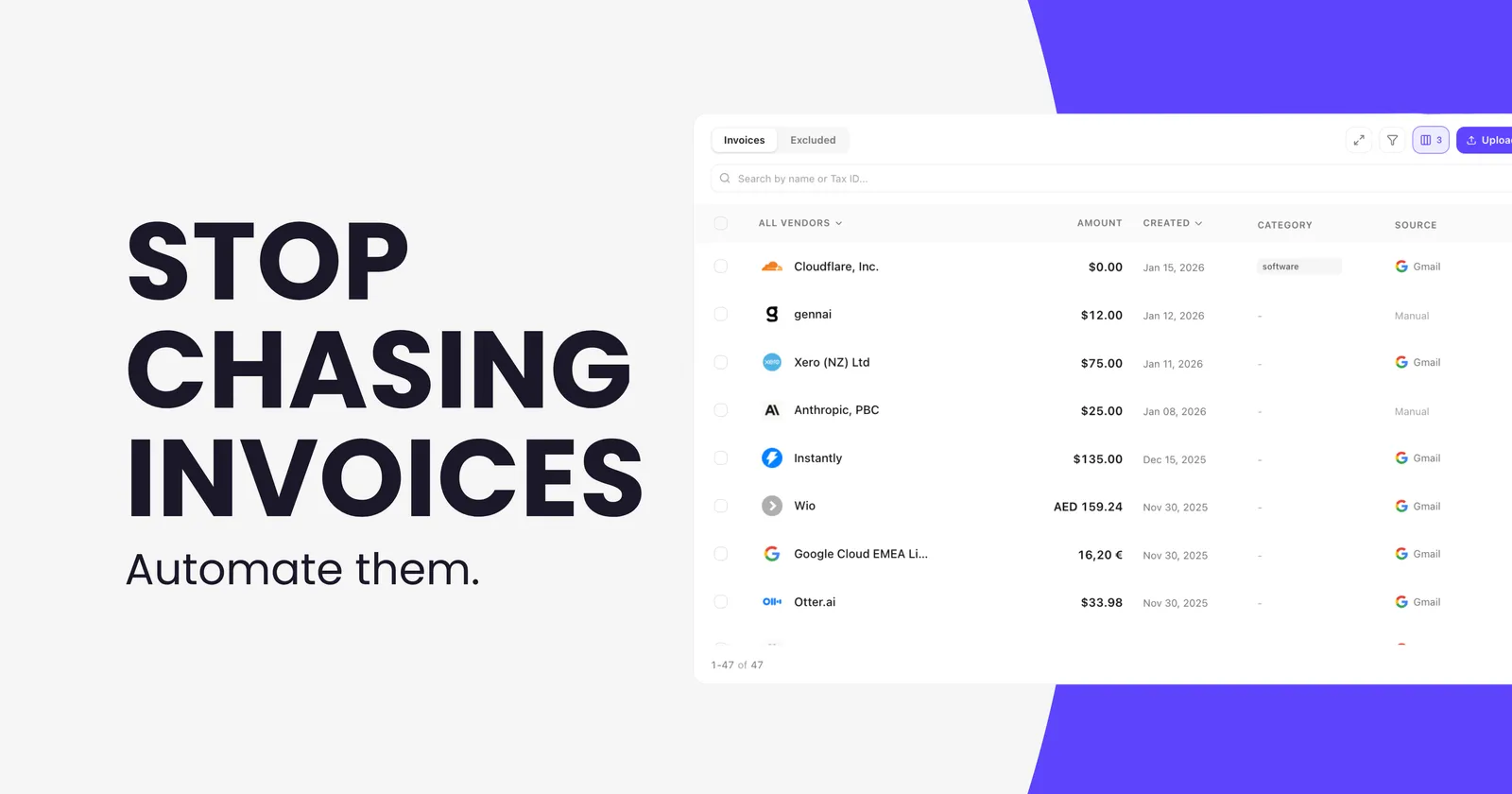
Chasing invoices is one of those tasks that never makes it onto anyone's job description but ends up consuming a disproportionate amount of everyone's time. You send the invoice. Nothing happens. You follow up. Nothing happens. You follow up again, this time with a slightly more urgent subject line. Eventually the money arrives, usually late, sometimes significantly late.
QuickBooks research found that 65% of mid-sized businesses spend an average of 14 hours per week on administrative tasks related to collecting payments. A separate survey found that 87% of US businesses deal with late payments, with small businesses owed an average of $17,500 in outstanding invoices at any given time. That is not a cash flow problem. It is a process problem.
This guide is about fixing the process, both on the outgoing side (invoices you send to customers) and the incoming side (supplier invoices you need to capture, process, and pay). Both have the same root cause: too much manual handling in a workflow that should largely run itself.
There are two distinct invoice problems, and they need different fixes
Most guides about chasing invoices focus on one side or the other. It is worth being clear about which problem you actually have, because the solutions are different.
The outgoing problem: customers not paying you on time
You issue invoices to customers, and they pay late or require multiple reminders before they act. This is an accounts receivable problem. The fix involves better payment terms, clearer invoice formatting, automated reminder sequences, and making it easier for customers to actually pay you when the reminder arrives.
The incoming problem: supplier invoices getting lost or delayed
Supplier invoices arrive in your inbox and either get missed, processed late, or require someone to manually download, enter, and chase approval before anything gets paid. This is an accounts payable problem. The fix involves automating the capture and processing of invoices as they arrive, so nothing sits in someone's inbox waiting for attention.
Many businesses have both problems simultaneously. The rest of this guide covers practical fixes for each.
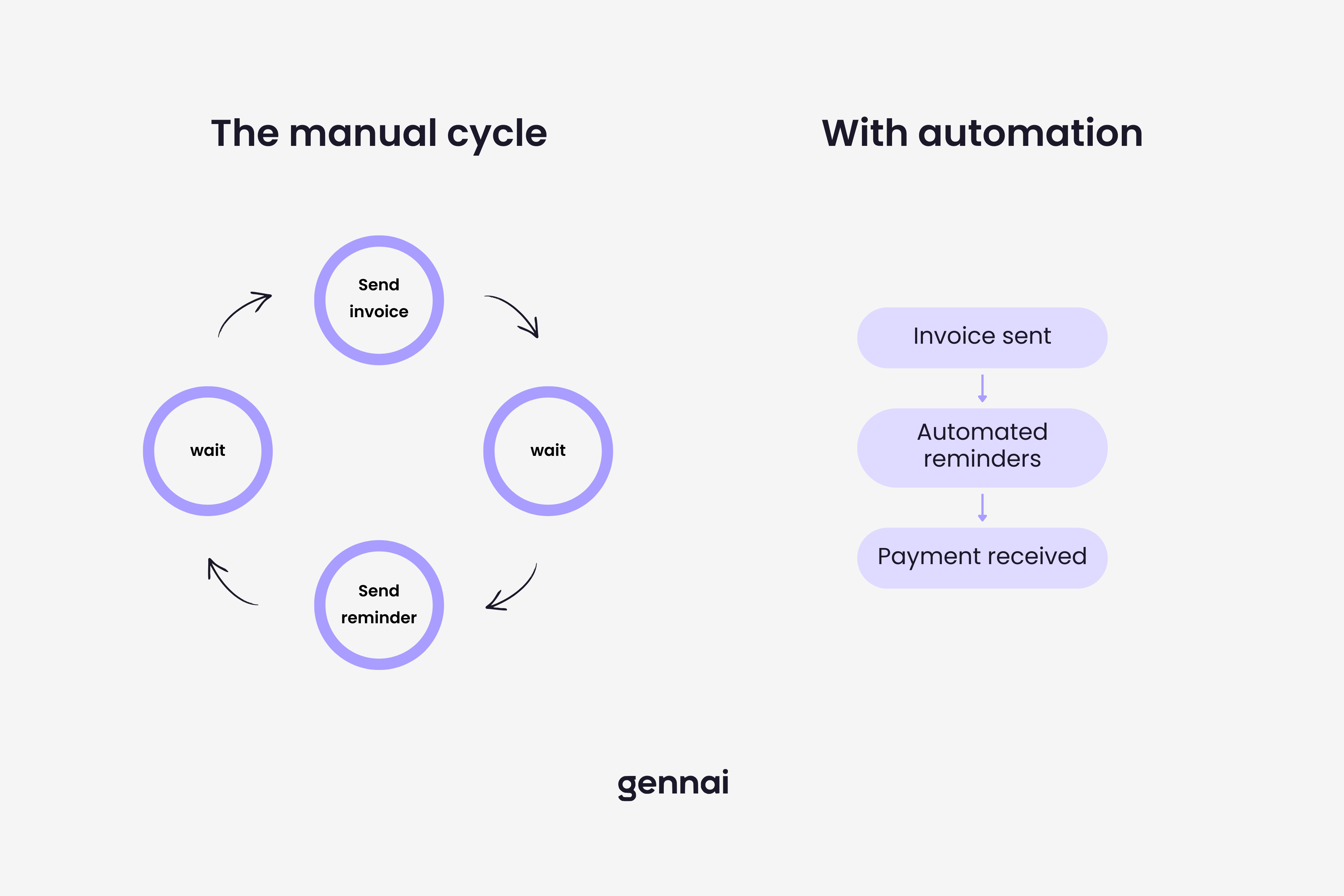
Fixing the outgoing side: stop chasing customers for payment
Send the invoice the day the work is done
The longer the gap between completing work and sending the invoice, the longer the payment cycle becomes. Late invoicing is one of the most common and most avoidable causes of late payment. If your payment terms are net 30 but you send the invoice two weeks after delivery, you have effectively given net 45 terms without agreeing to them.
Set up an automated reminder sequence
Most accounting platforms and dedicated AR tools let you configure automatic reminders at set intervals after the invoice due date. A simple three-step sequence covers most situations:
- A friendly reminder 3 days before the due date
- A follow-up on the due date if unpaid
- A firmer notice 7 days after the due date
Once this sequence is set up, you do not need to remember to chase anyone. The system handles it. Your only job is to review which invoices have still not been paid after the final reminder and decide how to escalate those specific cases.
Make paying easy
A significant portion of invoice delays are not about the customer refusing to pay. They are about friction in the payment process: the customer has to log into a portal, or find the bank details buried in the PDF, or wait for someone with payment authority to be available. Including a direct payment link in every invoice and reminder email removes most of that friction. Businesses that add a pay now button to their invoices get paid measurably faster.
Review your payment terms
Net 30 has become the default for many businesses without much thought about whether it makes sense for their cash flow. If your suppliers require payment within 14 days but your customers pay in 30 to 45, you are permanently bridging a gap. Consider shorter terms for new customers, deposits on larger projects, and immediate payment terms for smaller jobs where the relationship allows it.
The cost of late payments compounds. The Kaplan Group's analysis of B2B payment data found that outstanding invoices represent 11% of companies' total revenue on average. Over a quarter of business decision-makers have stopped working with a buyer or supplier entirely because of payment delays. Late payment is not just a cash flow issue — it is a relationship and retention issue.
Fixing the incoming side: stop losing supplier invoices in your inbox
The incoming invoice problem is structurally different. You are not waiting for someone to pay you. You are waiting for invoices to be captured, entered into your accounting system, approved, and paid before the due date passes. When that process is manual, invoices get missed, due dates slip, and you end up paying late fees or straining supplier relationships.
Why email is the core of the problem
Most supplier invoices arrive by email. DocuClipper's research found that 86% of small and medium-sized businesses manually enter invoice data from email attachments, despite email being the primary delivery channel. The invoices arrive in real time, but the processing happens in batches, when someone gets around to it.
This creates a predictable bottleneck. Invoices pile up in inboxes. Some get missed because they were buried under other emails. Others get processed late because the person responsible was out. The supplier follows up asking if the invoice was received. You spend time searching your inbox to confirm it was. None of this is value-added work.
Automate capture from the moment invoices arrive
Connecting your inbox to an automated invoice capture tool eliminates this bottleneck entirely. When Gennai connects to your Gmail or Outlook, it scans for invoices in real time as they arrive, extracts the structured data, and pushes it directly to your accounting platform. No one has to open an attachment, enter a number, or check whether the invoice was received.
The supplier stops chasing you because the invoice is processed the same day it arrives. Your AP ledger stays current throughout the month. And when close time comes, the reconciliation takes minutes instead of days because the data is already there. For a detailed look at how this works in practice, the email invoice extraction guide covers the full setup.
Set up approval routing before invoices reach payment
Even with automated capture, invoices above a certain amount or from new vendors should go through an approval step before payment. This does not have to be slow. Approval tools that integrate with your accounting platform route invoices to the right approver automatically, with a mobile-friendly interface that does not require logging into the accounting system. An approval that previously required emailing a PDF, waiting for a response, and manually updating the record takes seconds instead.
The goal is an inbox with no invoice backlog. When invoices are captured automatically, approved through a structured workflow, and synced to your accounting platform in real time, the concept of 'chasing invoices' stops making sense. There is nothing to chase because nothing is waiting for manual action. You review exceptions, not the full pipeline.
Where to start if you want to fix this this week
You do not need to overhaul everything at once. Start with whichever side of the invoice problem costs you the most time right now.
If you spend more than 2 hours a week chasing customers to pay you. Set up automated payment reminders in your accounting platform. This takes less than an hour to configure and removes most of the manual follow-up immediately.
If supplier invoices regularly miss your inbox or get entered late. Connect your inbox to an automated capture tool. For most businesses this takes under two minutes to set up and starts working immediately on invoices that arrive from that point forward.
If both problems exist simultaneously. Fix the incoming side first. A messy AP process affects your ability to reconcile accounts, close books, and understand your cash position. The outgoing AR problem is usually more visible but often less structurally damaging than an AP backlog.
Chasing invoices is optional. The work behind it is not.
Invoices need to be sent, tracked, captured, and paid. That part is not going away. What is optional is the manual checking, the follow-up emails you write by hand, the inbox searches for attachments you are not sure arrived, and the end-of-month scramble to reconcile everything that should have been done throughout the month.
The businesses that have eliminated invoice chasing have not done so by hiring more people to chase harder. They have set up systems where the invoice moves through the process automatically from the moment it is created or received, and humans only step in when something needs a decision. That is the only version of invoice management that scales without growing the team alongside it.
If the incoming side is where you want to start, connect your inbox with Gennai and see how many invoices were sitting in your email that your accounting system did not know about.
References
- Intuit QuickBooks. Research Reveals the Impact of Late Payments on Mid-Sized Businesses. quickbooks.intuit.com/r/midsize-business/midsize-payments-research/
- Intuit QuickBooks. 2025 US Small Business Late Payments Report. quickbooks.intuit.com (October 2025)
- DocuClipper. 59 Accounts Payable Statistics for 2025. docuclipper.com (March 2025)
- The Kaplan Group. 54 Statistics on B2B Payment Delays. kaplancollectionagency.com (October 2025)
- Caine and Weiner. Small Biz Squeeze: When Invoice Delays Bring Growth to a Halt. caine-weiner.com (September 2025)
- HighRadius. AP Automation in 2025: Surprising Stats CFOs Cannot Ignore. highradius.com
TL;DR
- 65% of mid-sized businesses spend 14+ hours per week on payment collection tasks — most of it avoidable
- Invoice chasing has two distinct problems: outgoing (customers not paying you) and incoming (supplier invoices getting lost)
- Outgoing fix: send invoices immediately, set up automated 3-step reminder sequences, add direct payment links
- Incoming fix: connect your inbox to automated capture so invoices are processed the moment they arrive
- Start with the incoming side if both problems exist — a messy AP process is more structurally damaging than slow AR
- Late payments represent 11% of companies' total revenue on average and damage supplier relationships
- The goal is not to chase harder but to eliminate the need to chase by automating the full invoice lifecycle
Ready to automate your invoices?
Start extracting invoices from your email automatically with Gennai. Free plan available, no credit card required.
Start FreeRelated Articles
ABA Files Made Simple: How to Pay Australian Suppliers in Bulk Without Touching Your Bank
Generate ABA files for batch payments to Australian suppliers directly from your captured invoices. Skip the spreadsheet, skip the manual upload, pay everyone at once. Now live in Gennai.
GuideAgentic AI in Accounts Payable: What It Means for Your Finance Team in 2026
What agentic AI actually means for accounts payable in 2026. Covers real deployments from Basware, Ramp, and Genpact, what changes for finance teams, and what you need in place first.
GuideHow to Close Your Books Faster (Without Chasing Invoices)
Close your books in 3 days instead of 8. Learn why invoices are the biggest close bottleneck and five changes that shorten your month-end close starting this month.