
Gmail vs Outlook for Invoices: Which Wins?
After managing 10,000+ invoices on both platforms: Gmail wins for search, Outlook wins for rules. What actually matters for automatic invoice capture.

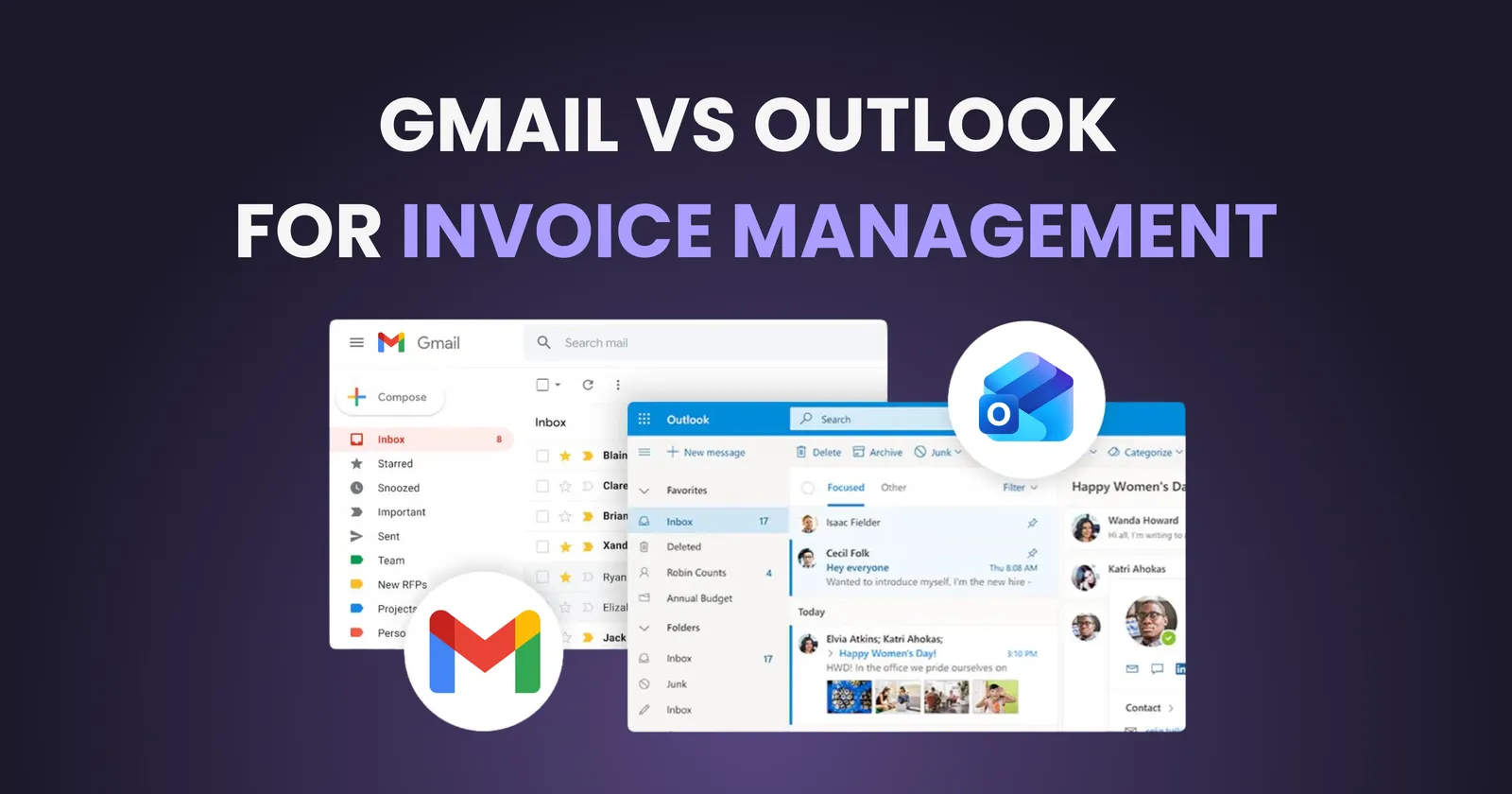
If invoices arrive in your inbox daily (or weekly, or in chaotic bursts at month-end) the email platform you use matters more than you might think. Gmail and Outlook handle invoice organization differently, and choosing the right one can save you hours every month.
This comparison breaks down how Gmail and Outlook stack up specifically for invoice management: search capabilities, filtering, automation options, and integration with extraction tools. By the end, you will know which platform fits your workflow better.
For the complete picture on email invoice extraction across all providers, check out our complete guide to automatically extracting invoices from email. If you're curious about what invoice disorganization actually costs your business, read our analysis on the hidden cost of lost invoices. E-commerce businesses juggling invoices from Amazon, Shopify, and multiple suppliers should check our e-commerce invoice extraction guide.
Quick Comparison: Gmail vs Outlook at a Glance
Before diving into details, here is a summary of how each platform handles the key aspects of invoice management:
| Feature | Gmail | Outlook |
|---|---|---|
| Search Power | Excellent (operators like from:, has:attachment) | Good (AQS syntax, folder-based) |
| Native Filters | Label + auto-archive rules | Rules + Quick Steps |
| Free Storage | 15 GB (shared with Drive) | 15 GB (Outlook.com) |
| Business Version | Google Workspace | Microsoft 365 |
| API for Automation | Gmail API (OAuth 2.0) | Microsoft Graph API |
| Mobile App | Fast, clean interface | Feature-rich, more complex |
| Third-Party Integrations | Extensive (Zapier, extraction tools) | Strong (Power Automate, enterprise tools) |
Search Capabilities: Finding Invoices Fast
When you need to locate a specific invoice from six months ago, search speed and accuracy determine whether the task takes 10 seconds or 10 minutes.
Gmail Search
Gmail excels at search. Its operators let you construct precise queries without learning complex syntax:
from:supplier@company.com has:attachment filename:pdf(finds PDF invoices from a specific vendor)subject:invoice after:2024/01/01 before:2024/03/31(narrows to Q1 invoices)larger:5M(finds emails with large attachments, often detailed invoices)
Gmail also searches inside PDF attachments in some cases, though this is not consistent.
Outlook Search
Outlook uses Advanced Query Syntax (AQS), which is powerful but less intuitive:
from:supplier hasattachments:yes received:this month(similar functionality)- Folder-based searching can be faster if you organize by client or project
- Desktop Outlook indexes locally, making offline search possible
Winner: Gmail, for most users. The search syntax is more approachable, and results appear faster in the web interface.
Organization: Labels vs Folders
How you organize invoices affects how quickly you can retrieve them and whether anything gets lost.
Gmail: Labels
Gmail uses labels instead of folders, which means a single email can have multiple labels. An invoice from Vendor A for Project B in Q1 2024 can carry all three labels simultaneously. This flexibility is powerful for invoice management because invoices often belong to multiple categories.
The downside: if you are used to traditional folder structures, labels can feel disorganized at first.
Outlook: Folders + Categories
Outlook uses traditional folders with optional color-coded categories. Folders enforce hierarchy. An email lives in exactly one folder. Categories add flexibility similar to Gmail labels, but fewer people use them consistently.
Outlook also offers Focused Inbox, which attempts to separate important emails from noise. This feature is a mixed blessing for invoices: sometimes they land in the wrong bucket.
Winner: Depends on your brain. If you think in hierarchies, Outlook feels natural. If you want flexibility, Gmail labels win.
Automation and Rules
Manually sorting invoices is a time sink. Both platforms offer automation, but with different strengths.
Gmail Filters
Gmail filters can automatically label, archive, star, or forward emails based on sender, subject, keywords, or attachment presence. Setup is straightforward: search for a pattern, then click 'Create filter.'
Limitation: Gmail filters work on incoming mail only. You cannot retroactively apply filters to existing emails through the native interface (though workarounds exist).
Outlook Rules + Quick Steps
Outlook Rules offer more conditions and actions than Gmail filters. You can trigger rules based on message size, specific words in the body, importance level, and more. Quick Steps let you execute multi-action sequences with one click.
For Microsoft 365 users, Power Automate unlocks advanced workflows: automatically save attachments to OneDrive, log invoice details to Excel, or send notifications to Teams.
Winner: Outlook, for complex automation. Gmail is simpler but less flexible.
Integration with Invoice Extraction Tools
Neither Gmail nor Outlook extracts invoice data natively. Both require third-party tools, but they differ in how easily those tools connect.
Gmail Integration
Gmail's API is well-documented and widely supported. Most invoice extraction tools (including Gennai) connect via OAuth 2.0 in minutes. The Gmail API provides granular access: read-only, specific labels, or full access depending on what you grant.
Google Workspace admins can control which third-party apps employees connect, adding a security layer for businesses.
Want a detailed Gmail walkthrough? Check out our step-by-step guide to extracting invoices from Gmail automatically.
Outlook Integration
Microsoft Graph API powers Outlook integrations. It is capable but more complex than Gmail's API. Enterprise tools often prefer it because of deep Microsoft 365 ecosystem ties.
For individual users, connecting Outlook to extraction tools is straightforward. OAuth flows work similarly to Gmail. For organizations with strict IT policies, admin approval may be required.
Winner: Tie. Both integrate well with modern tools. Gmail is slightly easier for quick setups; Outlook fits better in enterprise Microsoft environments.
Business Considerations: Workspace vs Microsoft 365
If you are choosing an email platform for a team, the business versions matter more than the free tiers.
| Consideration | Google Workspace | Microsoft 365 |
|---|---|---|
| Starting Price (annual) | $7/user/month (Business Starter) | $6/user/month (Business Basic) |
| Cloud Storage | 30 GB to 5 TB per user (pooled) | 1 TB OneDrive per user |
| Mailbox Size | 30 GB (Starter) to unlimited | 50 GB (100 GB from July 2026) |
| Collaboration Tools | Google Docs, Sheets, Drive | Word, Excel, SharePoint |
| Invoice-Relevant Apps | Sheets for tracking, Drive for storage | Excel for tracking, Power Automate for workflows |
| IT Admin Controls | Solid, improving | Extensive, mature |
The Verdict: Which Should You Choose?
There is no universal winner. The right choice depends on your situation:
Choose Gmail if:
- You want fast, intuitive search
- Labels make sense for how you organize
- You prioritize simplicity over power-user features
- Your team uses Google Workspace already
Choose Outlook if:
- You need complex automation rules
- Your accounting runs on Excel and Microsoft tools
- IT policies require Microsoft 365 for compliance
- You prefer traditional folder organization
The Best of Both Worlds
Here is what most businesses miss: you do not have to choose one email platform exclusively for invoice management. Invoice extraction tools like Gennai connect to both Gmail and Outlook simultaneously. You can receive invoices in whichever inbox they arrive (personal Gmail, work Outlook, shared mailboxes) and extract them all to one organized dashboard.
The platform matters less than having a system that automatically captures and organizes every invoice regardless of where it lands.
How Gennai Helps: Gennai connects to Gmail and Outlook in one place, automatically extracting and organizing invoices from all your email accounts. Try it free and see your invoices unified in minutes.
Frequently Asked Questions
Can I use both Gmail and Outlook for invoices?
Yes. Many businesses use Gmail for personal correspondence and Outlook for work, or vice versa. Invoice extraction tools can monitor both simultaneously.
Which is more secure for sensitive invoices?
Both Gmail and Outlook offer strong security with two-factor authentication, encryption in transit, and enterprise compliance certifications. Neither is inherently more secure. Proper configuration matters more than the platform itself.
Do invoices sync across devices?
Yes, on both platforms. Gmail and Outlook apps sync emails across desktop, mobile, and web interfaces. Once an invoice is in your inbox, it appears everywhere you check.
Can I forward invoices from one platform to another?
You can, but it adds friction and creates duplicates. A better approach is using an extraction tool that connects to both accounts directly.
TL;DR
- Gmail vs Outlook for invoice management comes down to your workflow preferences
- Gmail wins on search speed, intuitive syntax, and label flexibility
- Outlook wins on complex automation rules and Microsoft 365 integration
- Both platforms offer strong security and work with extraction tools
- Best approach: Use an extraction tool like Gennai that connects to both Gmail and Outlook, unifying all your invoices in one dashboard regardless of which inbox they arrive in
- Start today: The platform matters less than having automated extraction set up
Ready to automate your invoices?
Start extracting invoices from your email automatically with Gennai. Free plan available, no credit card required.
Start FreeRelated Articles
7 Email Filters That Catch 99% of Your Invoices
Copy these 7 email filters for Gmail and Outlook that capture invoices, receipts, and bills automatically. Tested on 500+ real business inboxes.
GuideLost Invoices in Email: The Hidden Cost to Your Business
Lost invoices create accounting chaos, tax problems, and waste your finance team's time. Learn the real hidden costs and how to fix invoice disorganization.
GuideExtract Invoices from Gmail in 5 Minutes
Connect Gmail, AI scans for invoices, data extracted automatically. Step-by-step guide with screenshots. No coding required, works with any Gmail.