
E-commerce Invoice Extraction: Automate Email Capture
How e-commerce businesses auto-extract invoices from supplier emails, marketplace notifications, and shipping providers. Save hours on bookkeeping.

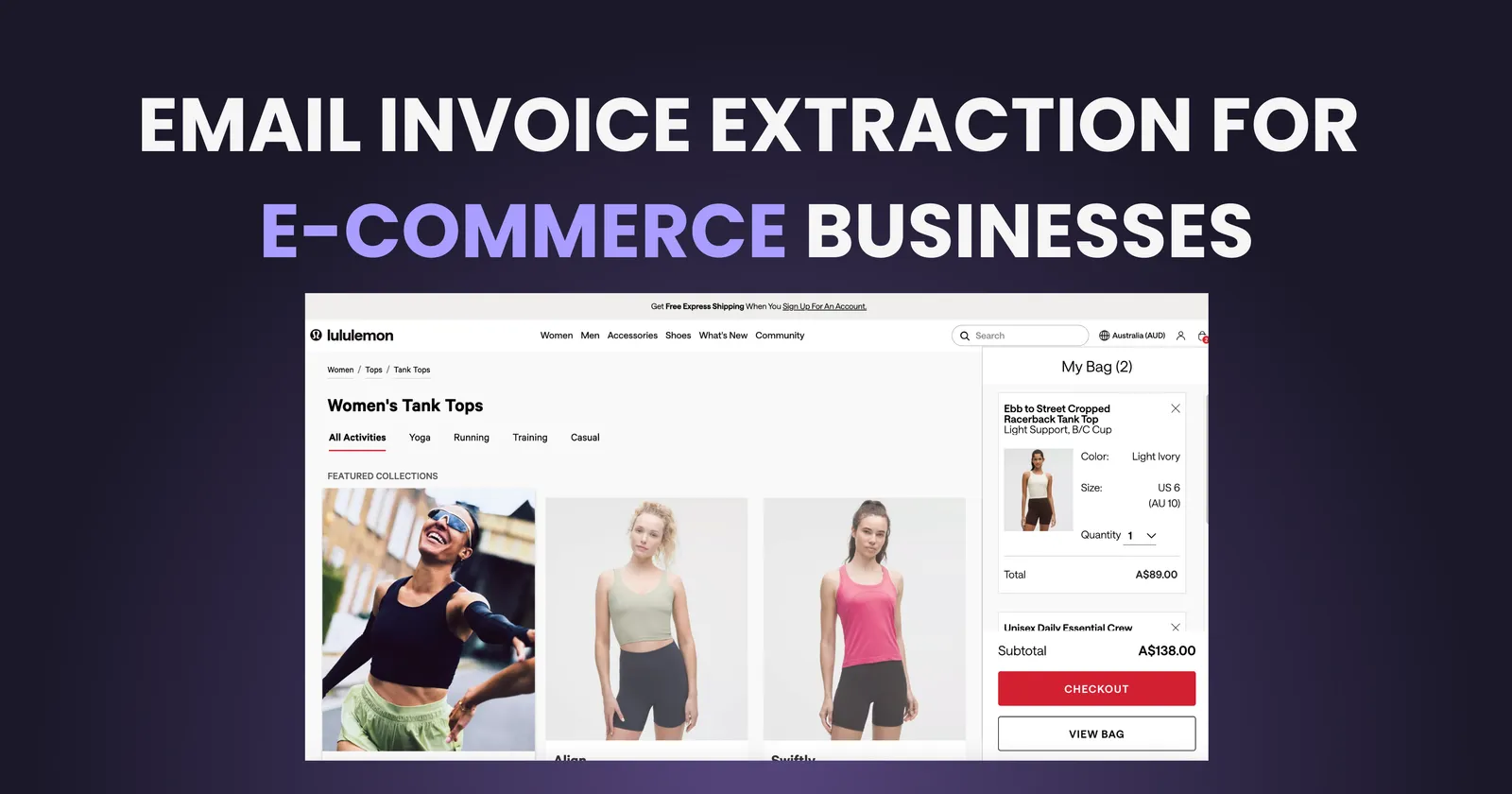
Running an e-commerce business means dealing with invoices from everywhere. Suppliers send them. Marketplaces generate them. Shipping carriers email them. Payment processors create them. Ad platforms bill you monthly. And somehow, all of these need to end up in your accounting system.
If you sell on multiple channels or work with several suppliers, the invoice volume adds up fast. A mid-sized e-commerce operation can easily receive 50 to 200 invoices per month, scattered across different email accounts and formats.
This guide covers how to extract and organize invoices automatically, specifically for the unique challenges e-commerce businesses face.
The E-commerce Invoice Problem
E-commerce invoice management is harder than most industries for a few specific reasons:
Multiple Source Types
Unlike a service business that might have 10 regular vendors, e-commerce businesses receive invoices from:
- Product suppliers (often international, different formats, different languages)
- Marketplace fees (Amazon, eBay, Etsy, Shopify app charges)
- Shipping and fulfillment (carriers, 3PLs, packaging suppliers)
- Payment processing fees (Stripe, PayPal, Klarna)
- Advertising (Meta, Google, TikTok, influencer payments)
- Software subscriptions (inventory management, email marketing, analytics)
High Volume, Low Value Per Invoice
Many e-commerce invoices are small. A $15 shipping label here, a $30 packaging order there. Individually they seem insignificant, but they add up to real money. And each one still needs to be recorded for accurate profit calculations and tax compliance.
Inconsistent Formats
A supplier from China sends a different invoice format than your US-based packaging company. Amazon's fee statements look nothing like Shopify's billing emails. This inconsistency makes manual processing slow and error-prone.
Why Invoice Organization Matters for E-commerce
Getting invoices right is not just about bookkeeping. For e-commerce, it directly impacts:
Accurate Profit Margins
If you do not capture all costs (shipping, fees, returns processing, ad spend), your profit margin calculations are wrong. Many e-commerce businesses think they are profitable on a product until they account for every associated cost. Missing invoices means missing costs means false confidence.
Cash Flow Visibility
E-commerce cash flow is complex. Money comes in from sales but goes out to suppliers (often upfront), advertising, and platform fees. Without organized invoices, you cannot accurately forecast when cash will be tight.
Tax Deductions
Every legitimate business expense reduces your tax burden. But you need documentation. A $5,000 annual advertising spend you cannot prove is $5,000 you pay taxes on unnecessarily. Multiply that across all expense categories and the cost of disorganization becomes significant.
For a deeper look at what disorganized invoices actually cost your business, see our guide on the hidden cost of lost invoices.
Supplier Negotiations
When you have organized invoice history, you can analyze spending patterns. Which suppliers are getting more expensive? Where are you spending the most on shipping? This data helps you negotiate better terms or find alternatives.
Common E-commerce Invoice Sources (and Their Challenges)
| Source | How Invoices Arrive | Challenge |
|---|---|---|
| Amazon Seller Central | Monthly statements, downloadable reports | Complex format, multiple fee types bundled |
| Shopify | Email receipts, billing section | App charges mixed with platform fees |
| Alibaba/AliExpress | Order confirmations, supplier emails | Non-standard formats, language barriers |
| Shipping (UPS, FedEx, DHL) | Weekly/monthly consolidated invoices | Many line items per invoice |
| Meta/Google Ads | Monthly billing emails, dashboard downloads | Different billing cycles, multiple accounts |
| Stripe/PayPal | Monthly fee statements | Fees calculated as percentages, variable amounts |
| 3PL/Fulfillment | Monthly invoices with storage, pick/pack fees | Complex line items, variable costs |
The Manual Approach (And Why It Breaks Down)
Most e-commerce businesses start with a manual process:
This works when you have 10 invoices a month. At 50+ invoices monthly, it becomes a part-time job. At 100+, you either hire someone to do it or things start falling through the cracks.
The breaking point usually comes during tax season or when you try to analyze your actual costs per product. Suddenly the messy folders and inconsistent naming become a real problem.
Automating Invoice Extraction for E-commerce
The solution is to automate the capture and organization of invoices as they arrive in your email.
For a complete walkthrough of the automation process, see our guide to automatically extracting invoices from email.
How It Works
Modern invoice extraction tools connect to your email (Gmail, Outlook, or both) and continuously monitor for incoming invoices. When one arrives, the system:
- Detects that the email contains an invoice (even without obvious subject lines)
- Extracts the attachment or generates a PDF from the email body
- Reads the invoice using AI to pull out key data (vendor, amount, date, invoice number)
- Stores everything in a searchable, organized system
What to Look for in a Tool
For e-commerce specifically, you need a solution that:
- Handles multiple email accounts (your main business email plus platform-specific ones)
- Recognizes invoices in different formats and languages
- Extracts data accurately even from non-standard invoice layouts
- Lets you export data to your accounting software or spreadsheets
- Provides search functionality so you can find any invoice in seconds
If you use Gmail for your business, check out our step-by-step guide to extracting invoices from Gmail automatically. Not sure whether Gmail or Outlook is better for your needs? Our Gmail vs Outlook comparison for invoice management breaks down the differences. For a comprehensive framework on evaluating invoice management software, see our decision guide for choosing invoice management software.
Getting Started: A Practical Approach
If you are ready to organize your e-commerce invoices, here is a practical starting point:
Week 1: Audit Your Current State
- List all sources that send you invoices
- Estimate your monthly invoice volume
- Identify which email accounts receive invoices
- Note any invoices you regularly miss or lose
Week 2: Set Up Automation
- Connect your email accounts to an extraction tool
- Run a historical scan to capture past invoices
- Review extraction accuracy and adjust if needed
Week 3: Integrate with Your Workflow
- Export data to your accounting software
- Set up categories that match your chart of accounts
- Create a routine for reviewing new invoices weekly
The goal is not perfection on day one. The goal is to stop losing invoices and start building organized records going forward. You can always go back and improve categorization later.
TL;DR
- E-commerce invoice management is uniquely challenging due to multiple sources, high volume, and inconsistent formats
- Missing invoices hurt your business through inaccurate margins, poor cash flow visibility, and lost tax deductions
- Common sources include Amazon, Shopify, suppliers, shipping carriers, ad platforms, and payment processors
- Manual processes break down at 50+ invoices per month
- Automation captures invoices automatically as they arrive in your email
- Start with an audit of your current invoice sources, then set up automated extraction and integrate with your workflow
Ready to automate your invoices?
Start extracting invoices from your email automatically with Gennai. Free plan available, no credit card required.
Start FreeRelated Articles
How Remote-First Companies Handle Invoice Management
Practical invoice management strategies for remote-first companies. Handle distributed approvals, async workflows, multi-location compliance, and team coordination in 2026.
GuideInvoice Management for Accounting Firms: Complete Workflow
Complete workflow guide for accounting firms managing client and internal invoices. Practical systems for separation, automation, and billable expense tracking in 2026.
GuideInvoice Automation by Industry: Complete Guide 2026
Comprehensive guide to invoice automation across 15+ industries. Discover industry-specific solutions, ROI benchmarks, and implementation strategies for 2026.