
Service-as-software in accounting: what changes when software does the work instead of helping you do it
Service-as-software means buying finished accounting work, not a tool. See what moves to the provider, what stays with you and what to pin down before you buy.

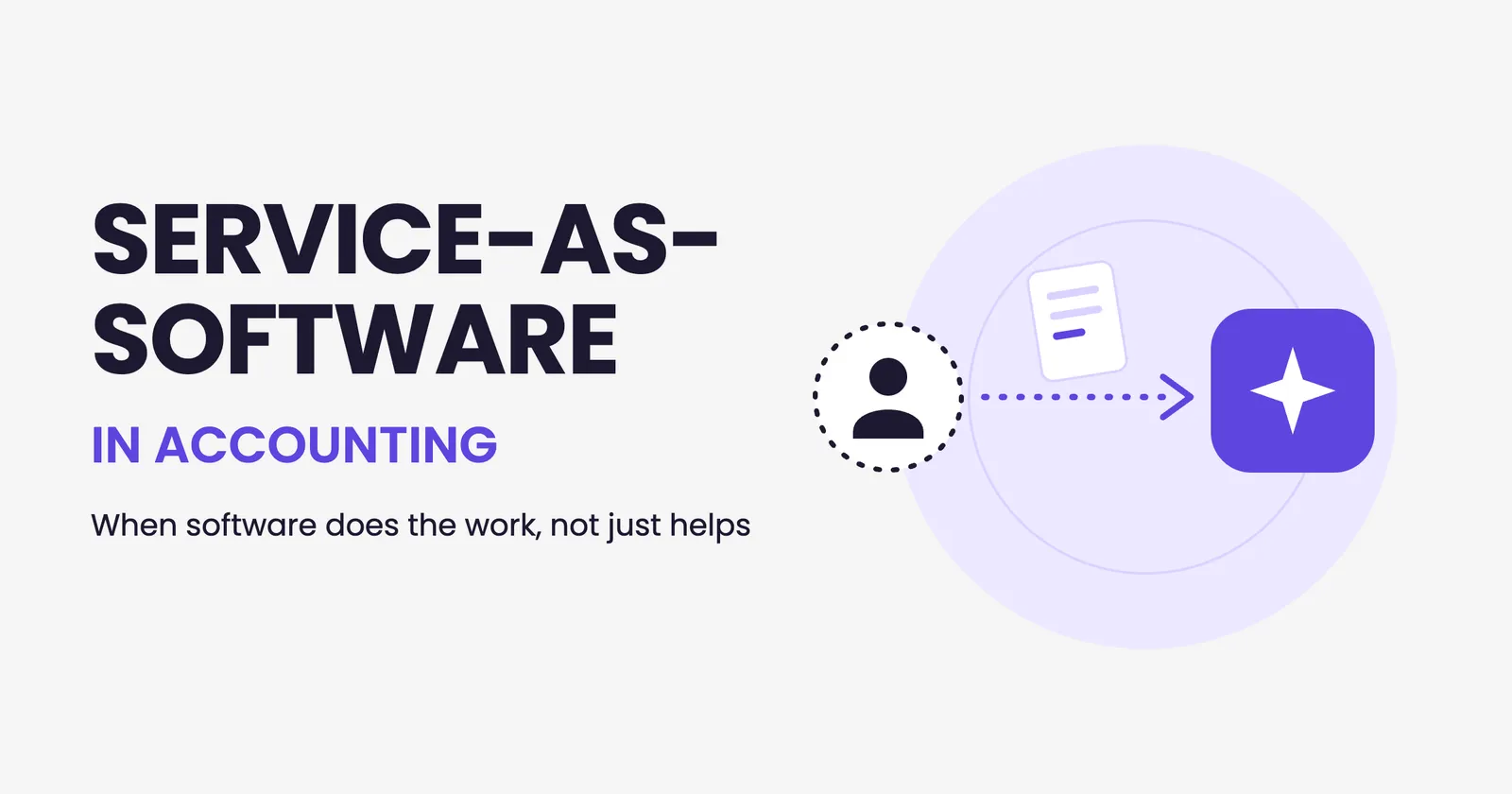
Service-as-software is a model in which you buy a finished piece of work from software instead of buying a tool to do the work yourself. In accounting, that means the system that captures, codes and matches your documents is the one responsible for getting them done, and you pay for, supervise and answer for the result rather than paying for access and putting in the effort. (It has nothing to do with "SaaS accounting", the revenue recognition rules for subscription companies. This article is about how a small business gets its own books done.)
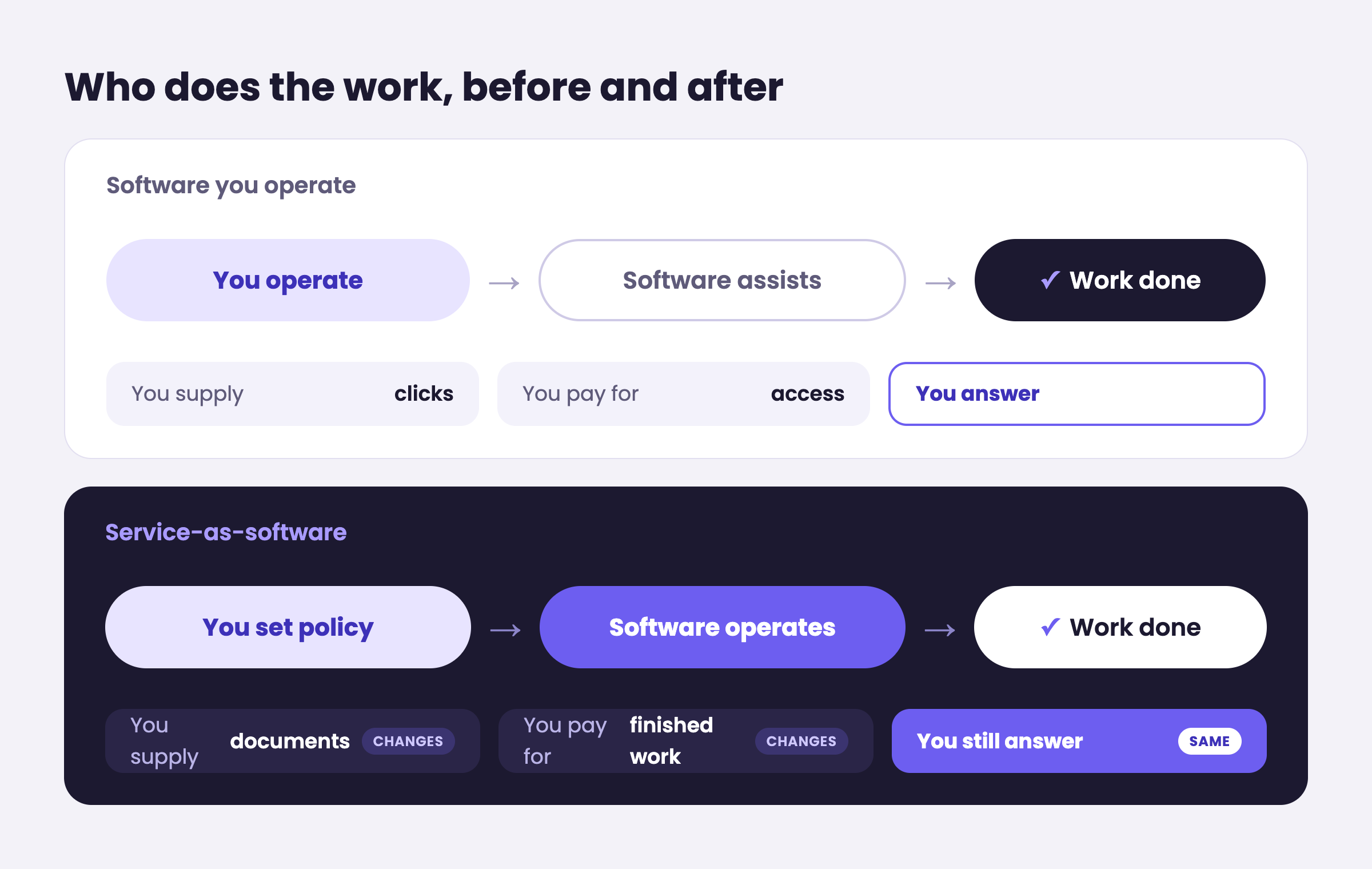
Four things move when the work shifts from you to the software: who operates, what you have to supply, how you pay and what you review. One thing does not move: who answers for the numbers. That asymmetry is the core of the model, and most of the buying mistakes come from forgetting it.
Where the idea comes from, and what it does not claim
Foundation Capital popularized the phrase in 2024. Joanne Chen and Jaya Gupta described AI products that take over the outcome of a job instead of only giving people a tool, and used an AI accountant offering tax services, rather than a product like QuickBooks, as their example. In the same piece they are careful about the limits: humans still design the workflows and spot-check the results, even in routine work like invoice processing, and software-as-a-service is not going away, because some customers will keep functions in-house.
That is the right way to read the idea. It describes a direction and a business model. It does not promise that any given product performs a whole function end to end today. For accounting, the useful question is not whether the model is coming. It is which steps can be handed over, on what terms, and with what left on your desk. The five levels of accounting autonomy answer the "which steps" part. This article covers the "what terms" part.
Three ways to get books done
Most small businesses already know two ways to get books done. Service-as-software adds a third, and the differences are easiest to see side by side.
| Software you operate | A human service | Software that performs the work, with oversight | |
|---|---|---|---|
| Who does the work | You, helped by the software | A bookkeeper or firm, using software | The system, with a person handling what falls outside policy |
| What you supply | Your time and every click | Documents and answers to queries | Documents, access to sources and policy decisions |
| What you pay for | Access, usually per plan or per user | People's time, hourly or fixed fee | Completed work, sometimes per client or per outcome, often mixed with a base fee |
| Who answers for errors | You | You, legally; the provider, to the extent the engagement says | You, legally; the provider, to the extent the contract says |
| How it tends to fail | The work does not get done | The work arrives late or capacity runs out | The work gets done quietly and wrongly |
| What leaving costs | Low if your data exports cleanly | A handover and a gap | Depends on where the books actually live |
The middle column is not new, and that is useful. The third column looks like a bookkeeper's service rebuilt with software doing the routine operation, so the questions about scope, review and responsibility will be familiar to anyone who has hired a bookkeeper. The new part is the failure mode. A person who falls behind is visible. A system that processes everything without complaint can be wrong at the same speed.
What moves to the provider
Operation. In software you operate, the unit of work is "I post this invoice". In service-as-software it is "the invoice is posted". You stop learning where the buttons are and start deciding policy: which suppliers are in scope, which account a recurring cost belongs to, what amount needs a second look. What reaches you is the queue of items the system could not resolve inside that policy. Owning that queue is a real job, and an unworked queue is just a backlog with better branding.
Inputs. A system can only do work on documents it can see. The provider's output is bounded by your inputs: the inboxes it can read, the bank statements it receives, the approvals it is given. So your side of the deal becomes access and completeness. Missing documents do not disappear because software is in charge. A bank line with no invoice behind it is a capture problem that reconciliation found late, and somebody still has to go and find the document.
Price. Per-user pricing made sense when software supported a person. When software does the work, the number of seats stops measuring anything. In April 2026, Digits announced outcome-based pricing for accounting firms: a client is billable when at least 95% of its transactions are "zero-touch", meaning the platform books, reconciles and reviews them before close without a team member editing them first, and clients below that mark cost the firm nothing. Accounting Today reported that the model is for accounting firms, with subscription pricing still available to business owners.
The example is useful less for the number than for what it shows about reading any outcome-based price. The metric is the deal. "Zero-touch" counts how much nobody needed to edit. That is a real measure of workload removed, and it is a different thing from a measure of correctness, because an error nobody notices is also untouched. This is not a criticism of one vendor. It applies to every outcome price: ask what counts as the outcome, who measures it, and what happens when an error surfaces later. Vendors that price this way say it is harder to run than a seat. Sierra, which sells customer service on resolved outcomes, writes that outcome-based pricing is "more complex than seat-based or consumption pricing" operationally, contractually and in accounting terms.
What does not move
Responsibility stays with the business. In the UK, GOV.UK says that even if you use a tax agent, you remain responsible for your own tax affairs, that the figures on your return are your responsibility, and that you should always review a return before signing it. Software that does the work is a more automated version of the same arrangement, and there is no reason to expect a different answer. Other tax authorities have their own rules, so check yours.
What changes is the form that responsibility takes. When you operated the software, you were responsible per transaction, because you touched each one. When software operates, you are responsible per policy and per exception: the rules you set, the items you resolved and the sample you checked. The work of a careful owner moves from entering to supervising, and supervising needs evidence. If the provider cannot show you what it did, on which document and under which rule, you cannot supervise it, and you are accountable for work you cannot inspect.
Where it works first, and where it should not
Foundation Capital expected repetitive, rule-based business processes to go first, and accounting has plenty of them. Capturing supplier invoices from wherever they arrive, extracting their data, coding recurring suppliers the way you coded them last time and matching bank lines to documents that exist all have narrow decisions and well-defined exceptions. Those are the steps where handing over the work is realistic now.
Three kinds of work stay with a person for good reasons rather than for lack of capability. Coding a new supplier or an ambiguous tax treatment is a policy decision, and the system can only apply a policy once you have made it. Releasing a payment is irreversible and is the usual target of fake invoices and supplier impersonation, so the approval is the control, not an obstacle to it. Signing that a period is complete is where legal accountability attaches. A provider that says it handles "all of it" is describing a demo. One that can say which steps, under which policy, with which route for exceptions, is describing a service.
Five terms to pin down before you buy work instead of a tool
When the thing you buy is an outcome, the contract and the setup matter more than the feature list. Five terms decide most of it.
- Scope in work terms. Which tasks, which document sources and which entities are included. "Bookkeeping" is not a scope. "Supplier invoices from these two mailboxes, matched to this bank account each month" is.
- The definition of the outcome. What counts as done, who measures it and over what period. If the measure is the absence of edits, find out how errors found after the fact are counted and corrected.
- The exception path. What reaches you, how quickly, and what happens by default if you do nothing. A queue that quietly resolves itself with a guess is a different product from one that waits for you.
- Where the books live. If the ledger stays in your own accounting software, leaving is a change of provider. If the provider holds the only copy of the records, leaving is a migration. Ask for an export of both the documents and the record of what was done.
- What the provider answers for. Whether it stands behind errors it makes, in what form and up to what limit, and what stays with you regardless. Put it in writing, and keep your own review step for anything that goes to a tax authority.
What this means for bookkeepers and accountants
The questions above are, in effect, the new job description. Policy design, exception resolution, controls, review and the sign-off are the work that remains when routine operation is done by software, and they are work clients can understand and value. The part that gets harder is pricing: a practice that charges for the hours of typing now competes with a provider that charges for the finished result. The firms best placed are the ones that already price on judgment and outcomes rather than on hours.
Where Gennai sits in this
Gennai is building toward autonomous accounting for small businesses, and service-as-software is one of the lenses we use to think about what that shift means for the people who buy and supervise the work. It is not a done-for-you accounting service today. The product works on the document side of the workflow: it captures supplier invoices from connected Gmail, Outlook and IMAP inboxes (read-only), forwarding, uploads and messaging channels, extracts the accounting-relevant data, flags duplicates, categorizes invoices based on your own accounting history, reconciles uploaded bank statements against captured invoices and prepares or exports the records to Xero, QuickBooks Online and Holded. You and your accountant keep review and correction, the ledger and the sign-off. Gennai does not connect to your bank, move money or close your books.
If you want to see where that line sits in practice, how Gennai works walks through the current workflow, and you can try it free on your own invoices.